
Three image types, three different jobs.
| Image type | What it helps you check | What it does not establish |
|---|---|---|
| Seller or catalog photo | The advertised design, colour options and presentation. | The condition or exact details of a future item you order. |
| Listing-level QC reference | Visible details of items recorded against that listing, with their stated source and options. | That the image matches your colour, size, order or chosen agent. |
| Your order’s warehouse photos | The visible item linked to your own order, once you match its identifiers and selected option. | Authenticity, long-term durability, hidden construction or every defect. |
Read the source and option in this example.
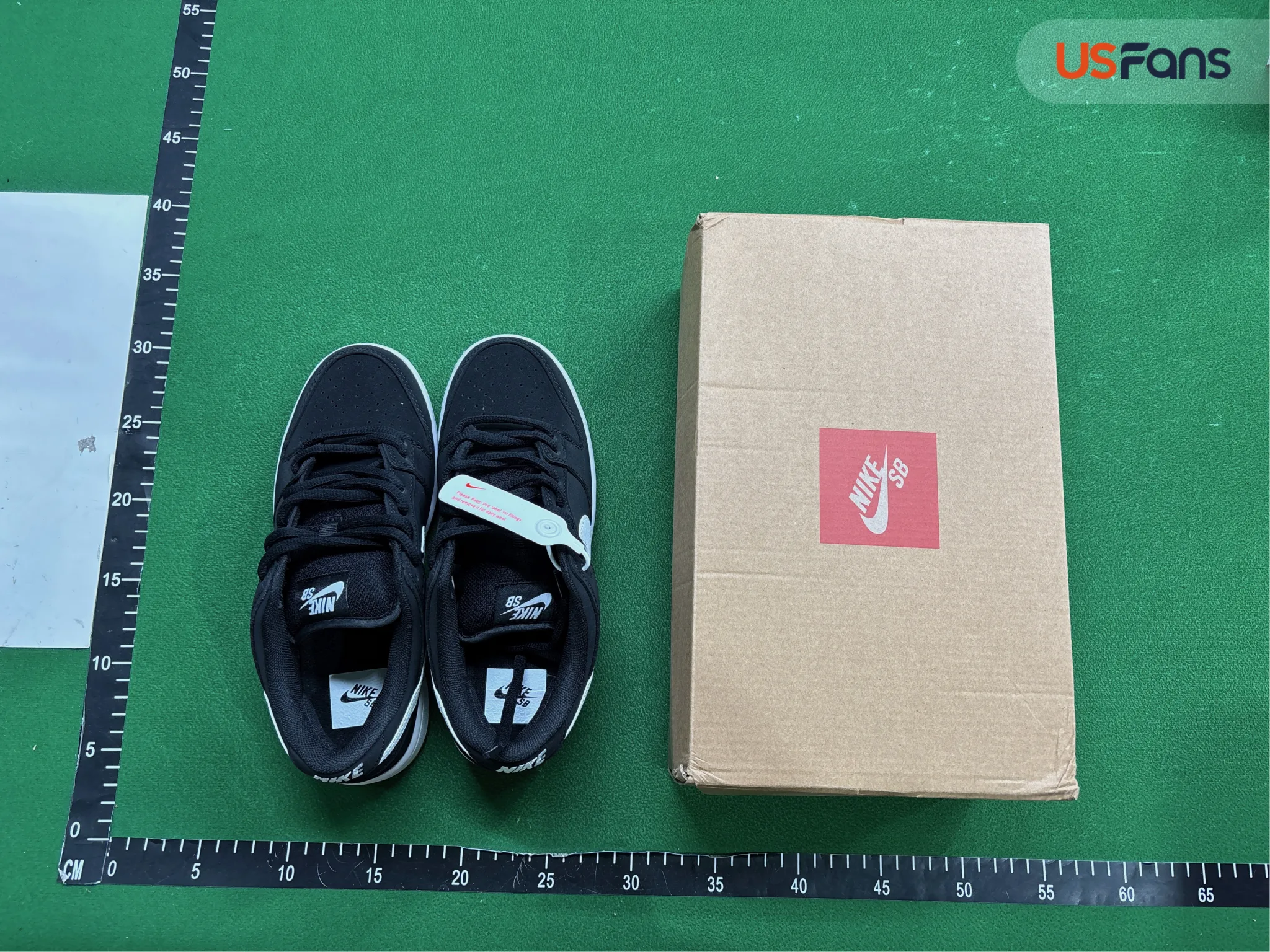
On 29 Oct 2026, the Dunk Low Bubblegum listing showed 21 QC images: 12 under USFans and nine under KakoBuy. Those labels describe the displayed photo sources, not Hipobuy inspections. The total includes listing options; it is not a count of images of the Bubblegum colour or of unique orders.
The button opens the complete source listing. It does not select a particular album, agent, colour or size for you.
Match a question to a useful view.
- Colour and option: compare the full item with the option you selected. Check captions and tags; lighting and screens can affect apparent colour.
- Size and measurements: look for a readable tag or a clearly positioned ruler. Identify the measuring method before comparing with the seller’s chart or an item you own.
- Construction details: inspect the available seam, fastening, print and hardware views. A missing angle remains missing evidence.
- A pair of shoes: compare both shoes where visible, including side views and soles. Do not assume one shoe’s photo covers the whole pair.
What to do when a view or measurement is missing.
Write down the exact question: for example, a size label is unreadable, the heel is not shown or the garment width has no measurement. Check with your seller or chosen agent about the available inspection options and current conditions before approving an order or parcel.
A community QC tutorial discusses tags, sizing and visible details. It is a user guide; we do not adopt its suggested account paths or extra-photo prices as official current rules.
What if the card says QC not listed?
That label records that our reviewed listing had no buyer images in the approved snapshot. It is not a quality rating and does not promise that QC is unavailable forever. Reopen the source listing for the information available now.
Keep the conclusion within the evidence.
Images do not establish authenticity, material composition, comfort, long-term durability or every defect. A visible issue can prompt a question; a return, refund or additional inspection depends on the current agent and order conditions.
We do not provide a full Hipobuy QC finder or photos of your own order. Read the sources and data notes for attribution, dates and evidence limits, or the Hipobuy Spreadsheet guide for the route from a product reference to the agent options.
View Original Product & QC